What is REST API in Web Development

In modern web development, applications rarely work in isolation. Most web applications communicate with other services, databases, and external platforms. This communication is usually handled through APIs. Among the different types of APIs used today, REST API is one of the most widely adopted standards.
If you are learning web development or working with technologies like Laravel, Node.js, or Vue.js, understanding REST APIs is essential. In this article, we will explore what REST APIs are, how they work, why they are important, and how developers use them in real-world applications.
Before understanding REST APIs, it is important to first understand what an API is.
API stands for Application Programming Interface. An API allows different software applications to communicate with each other.
Think of an API as a messenger between two systems.
For example:
A frontend application sends a request
The backend server processes that request
The server sends back a response
A simple example is a weather app. The app requests weather data from a weather service API, and the API returns information such as temperature, humidity, and forecast.
Without APIs, applications would not be able to easily share or exchange data.
REST API stands for Representational State Transfer Application Programming Interface.
REST is an architectural style that defines how systems should communicate over the web using HTTP.
A REST API allows clients (such as browsers or mobile apps) to interact with a server using standard HTTP methods.
REST APIs are commonly used to perform CRUD operations:
Create
Read
Update
Delete
These operations correspond to specific HTTP methods.
| HTTP Method | Operation | Description |
|---|---|---|
| GET | Read | Retrieve data |
| POST | Create | Create new data |
| PUT/PATCH | Update | Update existing data |
| DELETE | Delete | Remove data |
Because REST APIs follow standardized rules, they are easy to understand and widely used across many systems.
REST APIs operate through HTTP requests and responses.
The client sends a request to a specific URL called an endpoint, and the server responds with data, usually in JSON format.
Example flow:
The client sends a request
The server processes the request
The server returns a response
For example:
Client request:
GET /api/postsServer response:
[
  {
    "id": 1,
    "title": "Introduction to Web Development"
  },
  {
    "id": 2,
    "title": "Understanding REST APIs"
  }
]
This response provides a list of blog posts from the server.
Imagine you are building a blog platform. The REST API could include the following endpoints.
Get all posts:
GET /api/postsGet a single post:
GET /api/posts/1Create a new post:
POST /api/postsUpdate a post:
PUT /api/posts/1Delete a post:
DELETE /api/posts/1Each endpoint performs a specific action on the server.
REST APIs follow several important principles that make them scalable and efficient.
REST separates the client from the server.
The client handles the user interface, while the server manages data and business logic.
For example:
Frontend:
Vue.js
React
HTML/CSS/JavaScript
Backend:
Laravel
Node.js
Django
This separation allows both sides to evolve independently.
REST APIs are stateless.
This means each request from the client must contain all the information needed to process the request.
The server does not store client session data between requests.
Example:
GET /api/profile
Authorization: Bearer token
The request includes authentication data, so the server knows who the user is.
Stateless design improves scalability and reliability.
In REST APIs, everything is treated as a resource.
Resources are accessed through URLs.
Examples:
/api/users
/api/posts
/api/comments
Each resource represents a specific type of data.
REST APIs use standard HTTP methods to perform operations.
Example:
GET /api/products
POST /api/products
DELETE /api/products/5
These methods make the API predictable and easy to use.
REST APIs usually return data in JSON format because it is lightweight and easy to parse.
Example JSON response:
{
  "id": 10,
  "name": "Laptop",
  "price": 1200
}
JSON is widely supported by frontend frameworks and programming languages.
REST APIs have become the dominant architecture for modern web applications because of their many benefits.
REST APIs use standard HTTP methods and URLs, making them easy to understand and implement.
Developers can quickly build APIs without complex configurations.
Because REST APIs are stateless, servers can handle a large number of requests without maintaining session information.
This makes REST APIs ideal for large-scale applications.
REST APIs allow different types of clients to interact with the same backend.
Examples of clients:
Web browsers
Mobile applications
Desktop applications
Third-party services
Most modern frameworks support REST APIs out of the box.
Examples include:
Laravel
Express.js
Django
Spring Boot
Because REST APIs are widely adopted, developers can easily integrate with many external services.
Laravel provides built-in tools to easily create REST APIs.
Example route definition:
Route::get('/posts', [PostController::class, 'index']);
Route::post('/posts', [PostController::class, 'store']);
Route::put('/posts/{id}', [PostController::class, 'update']);
Route::delete('/posts/{id}', [PostController::class, 'destroy']);
Example controller method:
public function index()
{
    return response()->json(Post::all());
}
This endpoint returns all posts in JSON format.
Laravel also supports API resources, authentication, and API versioning, which makes it a powerful framework for building REST APIs.
Traditional web applications return HTML pages directly from the server.
REST APIs return data only, usually in JSON format.
Traditional flow:
Browser → Server → HTML page
REST API flow:
Client → API → JSON data → Client renders UI
This separation allows developers to build single-page applications (SPA) using frameworks like Vue.js or React.
Many popular platforms provide REST APIs.
Examples include:
Twitter API
GitHub API
Google Maps API
Stripe API
Developers use these APIs to integrate external services into their applications.
For example:
Payment processing
Social media sharing
Location services
Data analytics
REST APIs make it possible for applications to connect with powerful services without building everything from scratch.
When building REST APIs, developers should follow certain best practices.
Use clear and consistent endpoints:
/api/users
/api/orders
/api/products
Use proper HTTP status codes:
200 OK
201 Created
404 Not Found
500 Internal Server Error
Return structured responses:
{
  "status": "success",
  "data": {}
}
Implement authentication for secure APIs.
Common authentication methods include:
API keys
JWT tokens
OAuth
Following these practices improves API reliability and usability.
REST APIs are a fundamental part of modern web development. They allow applications to communicate efficiently using standard HTTP protocols.
By following a simple and structured architecture, REST APIs enable developers to build scalable, flexible, and maintainable systems. Whether you are building a blog platform, an e-commerce website, or a mobile application, REST APIs provide the foundation for communication between the frontend and backend.
For developers learning technologies like Laravel, understanding REST APIs is an essential skill. Once you master REST APIs, you will be able to build powerful applications that interact with many different services and platforms.
As web applications continue to evolve, REST APIs remain one of the most important tools for building connected, data-driven software.
 Mar 06, 2026
Learn the differences between frontend and backend development in this beginner-...
 Mar 06, 2026
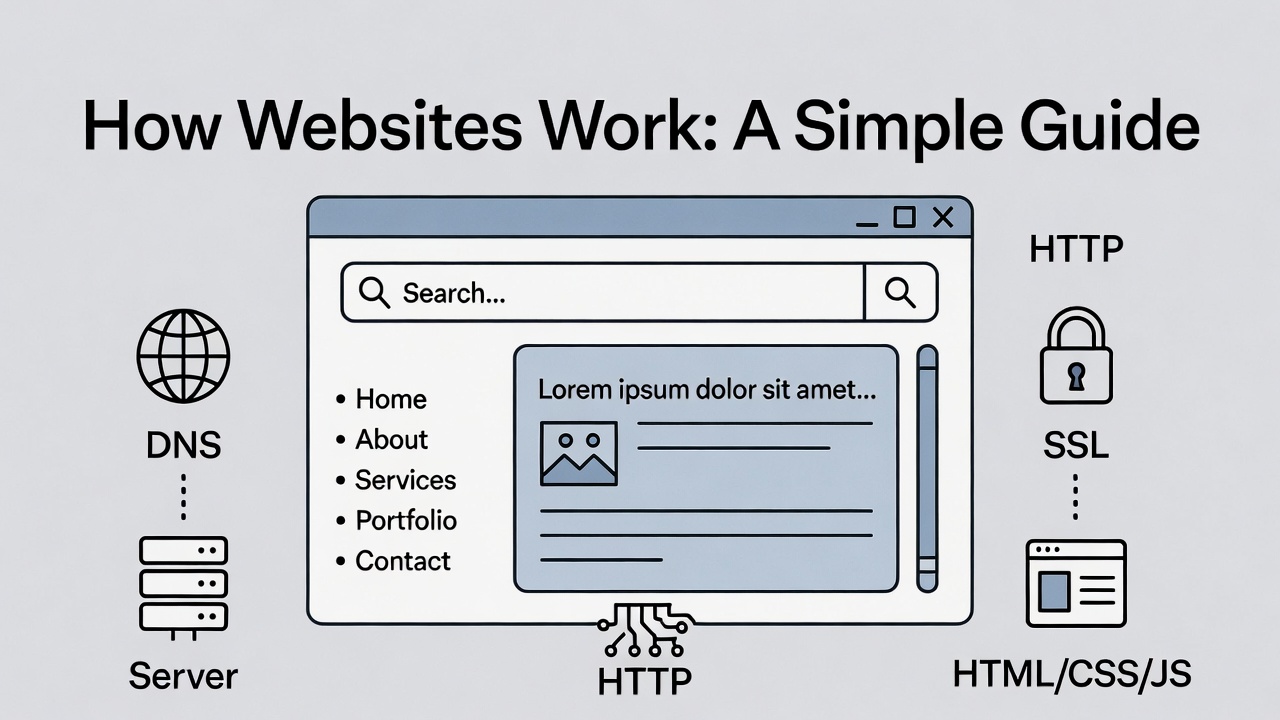
Discover how websites work behind the scenes. This simple guide explains the rol...





Leave a Comment