Modern Calculator Using HTML, CSS, and JavaScript – Source Code Download

If you are learning web development, building small projects is one of the best ways to improve your programming skills. Among many beginner projects, a calculator built with HTML, CSS, and JavaScript is one of the most popular and useful examples.
This project helps developers understand several essential concepts such as:
DOM manipulation
Event handling
JavaScript logic and functions
User interface design with CSS
Responsive layout techniques
In this article, we will explore a modern calculator project built using HTML, CSS, and JavaScript. You will also be able to download the complete source code and customize it for your own projects or learning purposes.
Whether you are a beginner or someone who wants to practice front-end development, this calculator project is a great starting point.
Many beginners ask why the calculator project is recommended so often. The reason is simple: it combines UI design and programming logic in a small and manageable project.
Here are several benefits of building a calculator:
A calculator requires logical operations such as addition, subtraction, multiplication, and division. Implementing these features helps you understand how JavaScript handles calculations and expressions.
In this project, every button click updates the calculator screen. This teaches you how to:
Select HTML elements
Modify element content
Respond to user interactions
Designing a calculator interface requires a clean layout. You will practice:
CSS Grid or Flexbox
Button styling
Responsive layouts
Unlike simple code exercises, this project simulates a real application that users can interact with.
The calculator source code includes several useful features that make it a practical example for beginners.
The calculator supports common operations such as:
Addition (+)
Subtraction (-)
Multiplication (×)
Division (÷)
These operations are implemented using JavaScript functions.
Each button triggers a JavaScript event that updates the calculator display.
This demonstrates how event listeners work in JavaScript.
The calculator includes buttons to:
Clear all input
Delete the last character
These functions improve the usability of the application.
The layout is designed to work on both desktop and mobile devices. The calculator adjusts automatically to different screen sizes.
This project uses three fundamental web technologies.
HTML provides the structure of the calculator, including:
Display screen
Buttons for numbers
Buttons for operations
Each button is defined as an HTML element that can be controlled using JavaScript.
CSS is responsible for the visual appearance of the calculator.
It is used to create:
Modern button styles
Clean layout
Hover effects
Responsive design
Using CSS Grid or Flexbox makes it easier to align the calculator buttons.
JavaScript adds functionality to the calculator.
It handles:
Button click events
Mathematical calculations
Updating the display
Clearing or deleting input
Without JavaScript, the calculator would only be a static interface.
The core logic of the calculator is relatively simple.
When a user clicks a button:
The button value is captured using an event listener.
The value is appended to the display screen.
When the equals button is pressed, JavaScript evaluates the expression.
The result is displayed on the calculator screen.
For example:
12 + 5The calculator processes the expression and returns:
17This simple workflow demonstrates how user input can be processed in real time using JavaScript.
Projects like this calculator are very valuable for beginner developers.
By studying the source code, you can learn:
How front-end applications work
How JavaScript interacts with HTML
How CSS creates modern user interfaces
How to structure a small project
You can also extend this calculator with additional features such as:
Keyboard input support
Scientific calculator functions
Dark mode design
History of calculations
Error handling
Adding these features can help you deepen your understanding of JavaScript and front-end development.
This calculator source code is perfect for:
If you are learning JavaScript, this project helps you understand real-world interaction between HTML, CSS, and JavaScript.
Students studying web development can use this calculator as a practical example for assignments or personal projects.
Adding small interactive projects like a calculator to your portfolio can demonstrate your front-end skills to potential employers.
Using the source code is very simple.
After downloading the files, you can follow these steps:
Extract the downloaded folder
Open the project folder
Locate the index.html file
Open it in your browser
The calculator will run immediately without any additional setup.
You can also edit the code using any code editor such as:
VS Code
Sublime Text
Atom
Once you understand the code, you can customize the calculator in many ways.
For example:
Change the color scheme
Add animations
Implement keyboard support
Convert it into a scientific calculator
Integrate it into a larger web project
These improvements can help you turn a simple project into a more advanced application.
If you want to explore the project in detail, you can download the complete source code.
The package includes:
HTML file
CSS stylesheet
JavaScript logic file
Organized project structure
You can modify the code freely and use it for learning or personal projects.
⬇️ Click the Download Source Code button below to get the files.
Building a calculator using HTML, CSS, and JavaScript is a classic project that every web developer should try at least once.
It combines design, logic, and user interaction into a simple yet powerful application. By studying this project, you can strengthen your understanding of front-end development and gain practical experience.
If you are just starting your journey in web development, this calculator project is a great step toward building more advanced applications.
Try the calculator directly in your browser before downloading the source code. This demo shows the full functionality built with HTML, CSS, and JavaScript.
🔗 Open Live DemoDownload the source code, explore the logic, and start experimenting with your own ideas.
 Mar 07, 2026
Learn the basics of HTML forms and how they allow users to interact with website...
 Mar 07, 2026
Learn how to create a simple web page using HTML from scratch. This beginner-fri...
 Mar 06, 2026
Learn the basics of HTML and understand how web pages are built. This beginner-f...
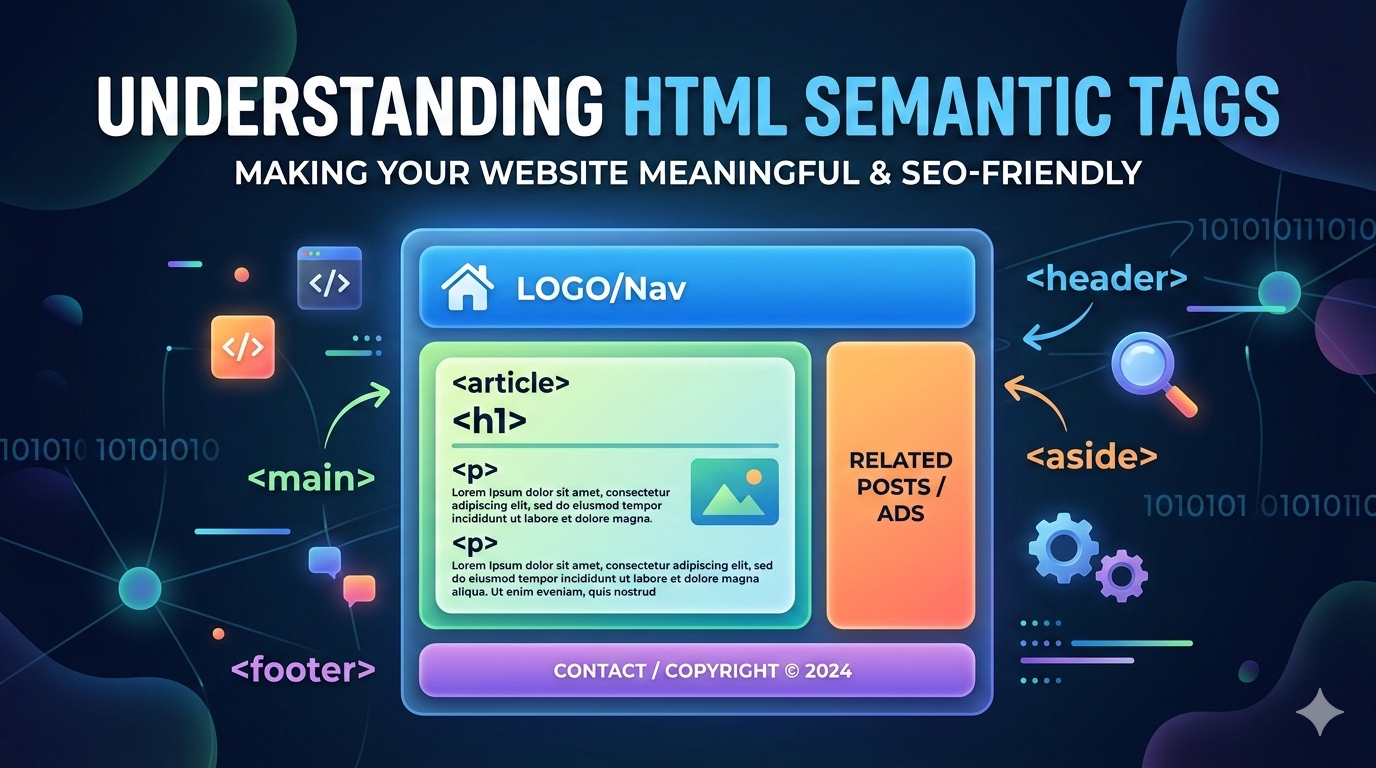 Mar 06, 2026
Learn what HTML semantic tags are and why they are important for modern web deve...

Leave a Comment