Introduction to JavaScript for Beginners

JavaScript is one of the most widely used programming languages in the world. It plays a crucial role in modern web development and is used to make websites interactive and dynamic. If you have ever clicked a button on a website, opened a dropdown menu, or filled out an interactive form, chances are JavaScript was working behind the scenes.
In the early days of the internet, websites were mostly static. They displayed information but did not respond to user actions in a meaningful way. JavaScript changed this by allowing developers to create interactive experiences directly in the browser.
Today, JavaScript is an essential skill for anyone who wants to become a web developer. Whether you want to build websites, web applications, or even mobile apps, understanding JavaScript is a valuable step in your programming journey.
In this beginner-friendly guide, we will explore what JavaScript is, why it is important, and how you can start writing your first JavaScript code.
JavaScript is a programming language designed primarily for web development. It allows developers to create interactive elements on websites such as animations, form validation, dynamic content updates, and much more.
JavaScript runs directly in the user's web browser. This means that when a visitor opens a webpage, the browser can execute JavaScript code to control how the page behaves.
Unlike HTML and CSS, which are used for structure and styling, JavaScript is used to control the logic and behavior of a webpage.
To better understand this relationship, consider the following roles:
HTML defines the structure of a webpage.
CSS controls the appearance and design.
JavaScript adds interactivity and behavior.
Together, these three technologies form the foundation of modern web development.
JavaScript has become one of the most important technologies in the web ecosystem. Nearly every modern website uses JavaScript in some way.
There are several reasons why JavaScript is so important.
First, JavaScript allows websites to respond to user actions. For example, when a user clicks a button, submits a form, or navigates through a menu, JavaScript can control what happens next.
Second, JavaScript enables dynamic content. Instead of reloading an entire webpage, JavaScript can update only specific parts of the page. This creates a smoother and faster user experience.
Third, JavaScript works across all modern browsers. This means developers can write code once and expect it to work on Chrome, Firefox, Edge, and other browsers.
Finally, JavaScript has grown far beyond the browser. With modern tools and frameworks, developers can now use JavaScript to build:
Web applications
Mobile applications
Desktop software
Server-side applications
Because of this versatility, JavaScript is often considered one of the most powerful languages for developers to learn.
When a browser loads a webpage, it reads the HTML document and builds the structure of the page. If the page contains JavaScript code, the browser's JavaScript engine executes that code.
JavaScript can interact with the page using something called the Document Object Model, often referred to as the DOM. The DOM represents the structure of the webpage as objects that JavaScript can read and modify.
For example, JavaScript can change text on the page, show or hide elements, or respond when a user clicks a button.
This interaction between JavaScript and the DOM is what allows developers to create dynamic and interactive user experiences.
One of the easiest ways to start using JavaScript is by adding it directly inside an HTML file. This can be done using the script tag.
When the browser encounters the script tag, it knows that the content inside it is JavaScript code.
JavaScript can perform many tasks, such as displaying messages, performing calculations, or reacting to user input.
The most common first example in many programming tutorials is displaying a message in the browser console.
The browser console is a tool used by developers to test and debug JavaScript code. It can be opened using the developer tools available in modern browsers.
Writing simple JavaScript code helps beginners understand how the language works before moving on to more advanced concepts.
console.log("Hello, JavaScript!");JavaScript can be placed directly inside an HTML document. This approach is useful for small scripts or learning purposes.
However, in real projects, JavaScript is often placed in separate files. This keeps the code organized and easier to maintain.
When JavaScript is included in an HTML page, it can interact with the elements on that page. For example, it can respond when a user clicks a button.
This simple interaction is the beginning of building dynamic websites.
<!DOCTYPE html>
<html>
<head>
    <title>JavaScript Example</title>
</head>

<body>

<h1>Learning JavaScript</h1>

<button onclick="showMessage()">Click Me</button>

<script>
function showMessage() {
    alert("Welcome to JavaScript!");
}
</script>

</body>
</html>Variables are used to store data in a program. In JavaScript, variables can store numbers, text, or other types of data.
Variables make it possible to reuse and manipulate information throughout your code.
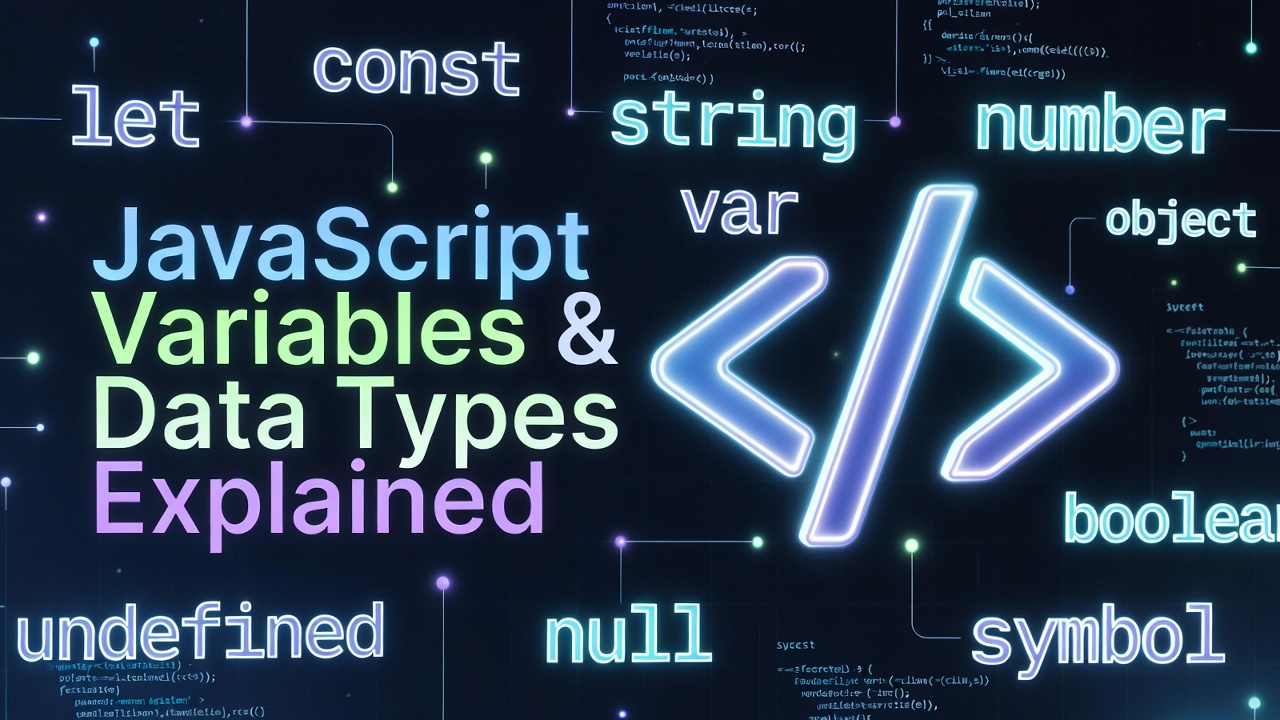
Modern JavaScript uses the keywords let and const to declare variables. These keywords help developers write safer and more predictable code.
Understanding variables is one of the most fundamental concepts in programming.
let name = "John";
let age = 25;

console.log(name);
console.log(age);Functions are reusable blocks of code designed to perform specific tasks. Instead of writing the same code multiple times, developers can place the code inside a function and call it whenever needed.
Functions help organize code and make programs easier to maintain.
When a function is called, the code inside the function runs.
Functions are widely used in JavaScript for handling events, processing data, and controlling application behavior.
function greetUser() {
    console.log("Hello! Welcome to learning JavaScript.");
}

greetUser();
JavaScript has evolved significantly since it was first introduced. Today, it is the foundation of many powerful frameworks and libraries used by developers around the world.
Popular JavaScript tools include frameworks that help developers build complex user interfaces and large-scale applications.
In addition, JavaScript can now run on servers using environments such as Node.js. This allows developers to use the same language for both frontend and backend development.
Because of this flexibility, JavaScript remains one of the most in-demand skills in the tech industry.
Learning the basics of JavaScript is the first step toward building modern web applications.
JavaScript is an essential programming language for web development. It allows developers to create interactive and dynamic websites that respond to user actions.
In this guide, we introduced the basics of JavaScript, including what it is, why it is important, and how to write simple JavaScript code.
By practicing with simple examples and experimenting with small scripts, beginners can gradually build confidence and improve their programming skills.
As you continue learning, you will discover that JavaScript offers many powerful features and tools for building modern web applications.
If you are just starting your journey into web development, mastering JavaScript will open the door to countless opportunities in the world of programming.
 Mar 06, 2026
Learn how JavaScript manipulates the DOM to create dynamic and interactive web p...
 Mar 06, 2026
Learn how JavaScript variables and data types work in this beginner-friendly gui...
 Mar 06, 2026
Learn how JavaScript functions work in this beginner-friendly guide. Understand...

Leave a Comment