Getting Started with CSS for Beginners

When you first learn HTML, web pages often look very plain and simple. The content is there, but it lacks design, colors, spacing, and layout. This is where CSS comes in.
CSS stands for Cascading Style Sheets, and it is the language used to style and design web pages. While HTML provides the structure of a webpage, CSS controls how that structure looks to users.
With CSS, developers can change colors, fonts, spacing, layouts, and even create animations. Without CSS, the modern web would not exist in the visually rich form we see today.
For beginners, learning CSS is an exciting step because it allows you to transform simple HTML pages into professional-looking websites. In this guide, we will explore the core concepts of CSS and how you can start styling your own web pages.
CSS is a stylesheet language used to describe how HTML elements should be displayed on the screen.
For example, HTML might define a heading like this:
<h1>Welcome to My Website</h1>Without CSS, the browser simply displays it using default styles.
But with CSS, you can change its color, size, alignment, and spacing.
Example:
h1 {
  color: blue;
  font-size: 36px;
}
Now the heading appears larger and blue.
This simple example shows how CSS separates design from structure, which is a key principle in modern web development.
CSS works by targeting HTML elements and applying styles to them.
A CSS rule consists of two main parts:
Selector
Declaration block
Example:
p {
  color: black;
  font-size: 16px;
}
Explanation:
p → selector (targets paragraph elements)
color → property
black → value
Together they define how paragraphs should appear.
CSS allows you to define these rules once and apply them across an entire website.
There are three main ways to add CSS to a webpage.
Inline CSS is applied directly inside an HTML element using the style attribute.
Example:
<p style="color:red;">This is a red paragraph.</p>Although this works, it is not recommended for large projects because it mixes styling with HTML structure.
Internal CSS is written inside a style tag in the HTML document.
Example:
<style>
p {
  color: green;
}
</style>
This method is useful for small projects or single pages.
External CSS is the most common and recommended approach. Styles are stored in a separate .css file.
Example HTML:
<link rel="stylesheet" href="styles.css">Example CSS file:
body {
  background-color: #f5f5f5;
}
Using external CSS makes websites easier to maintain and organize.
Selectors are used to target specific HTML elements.
There are several common types of selectors.
Targets all elements of a specific type.
Example:
p {
  color: black;
}
This applies the style to every paragraph.
Class selectors target elements with a specific class attribute.
Example HTML:
<p class="highlight">Important text</p>Example CSS:
.highlight {
  color: red;
}
Classes are widely used in modern web development.
ID selectors target elements with a specific id attribute.
Example HTML:
<h1 id="title">My Website</h1>Example CSS:
#title {
  color: blue;
}
IDs should be unique within a page.
CSS allows developers to apply colors to text, backgrounds, borders, and many other elements.
Example:
body {
  background-color: #f4f4f4;
}

h1 {
  color: darkblue;
}
Colors can be defined using:
Color names
HEX values
RGB values
HSL values
HEX colors are the most commonly used in web development.
Example:
color: #3498db;Typography is an important part of web design. CSS allows you to control font styles, sizes, spacing, and alignment.
Example:
body {
  font-family: Arial, sans-serif;
  font-size: 16px;
}

h1 {
  font-size: 32px;
}
You can also control spacing between lines.
p {
  line-height: 1.6;
}
Good typography improves readability and user experience.
One of the most important concepts in CSS is the box model.
Every HTML element is treated as a box consisting of four parts:
Content
Padding
Border
Margin
Example:
div {
  padding: 20px;
  border: 1px solid black;
  margin: 10px;
}
Explanation:
Padding adds space inside the element
Border surrounds the element
Margin creates space outside the element
Understanding the box model helps you control spacing and layout effectively.
CSS allows developers to control the layout of web pages.
Example of a simple container layout:
.container {
  width: 800px;
  margin: auto;
}
This centers the container in the middle of the page.
You can also use Flexbox for flexible layouts.
Example:
.container {
  display: flex;
  justify-content: space-between;
}
Flexbox makes it easier to align elements horizontally or vertically.
When learning CSS, it is helpful to follow some best practices.
Use external stylesheets and organize your CSS into logical sections.
Choose class names that describe the purpose of elements, such as:
.header
.button-primary
.article-title
Inline styles make your code harder to maintain.
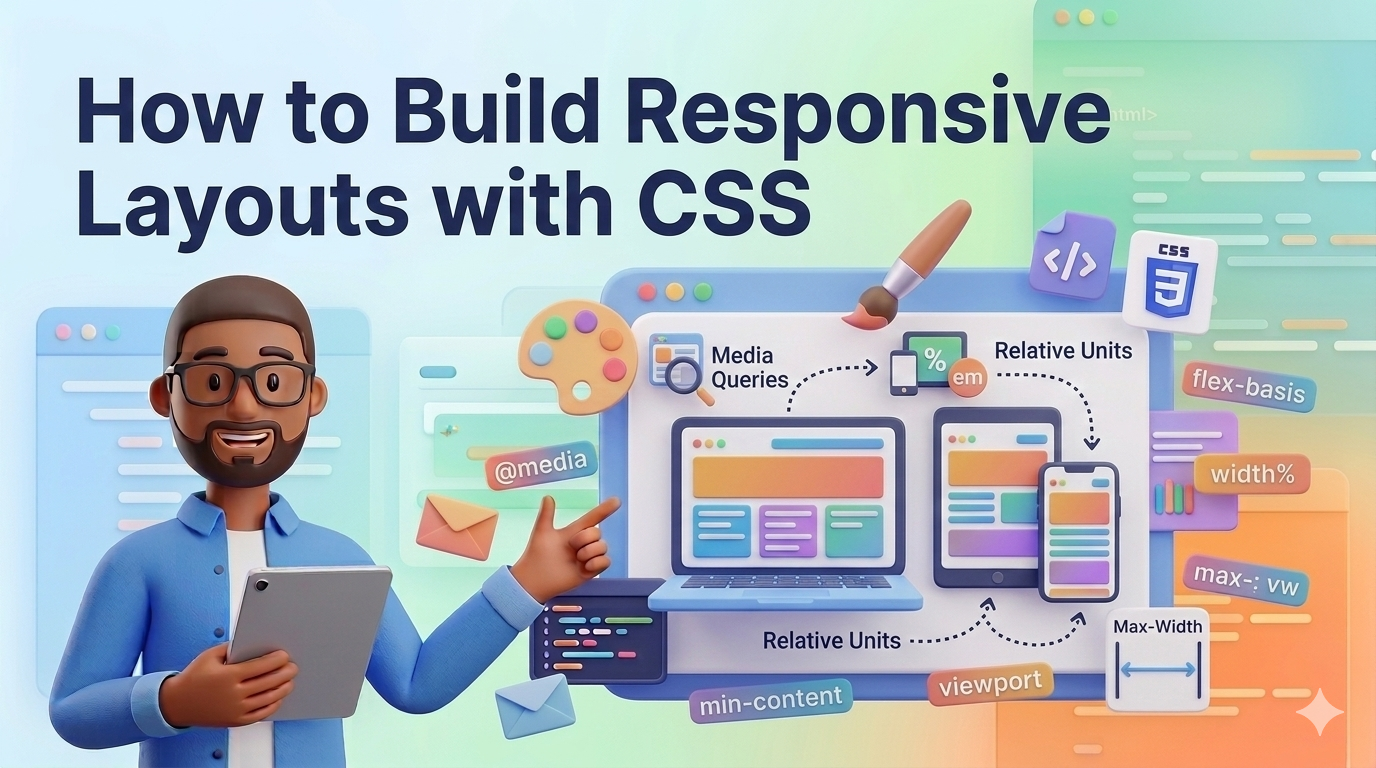
Many users browse websites on mobile devices. Make sure your layouts adapt to different screen sizes.
CSS skills improve with practice. Try styling simple pages such as:
blog layouts
landing pages
portfolios
CSS is the language that brings design and personality to the web. While HTML provides the structure of a page, CSS controls how that structure looks and feels.
By learning the fundamentals of CSS—such as selectors, colors, typography, and layout—you gain the ability to transform simple web pages into visually appealing websites.
For beginners, the best approach is to experiment and practice. Try building small projects and apply different styles to see how they affect your page.
As you continue learning, you will discover advanced CSS techniques such as Flexbox, Grid, animations, and responsive design.
Mastering CSS is a crucial step toward becoming a professional web developer.
 Mar 07, 2026
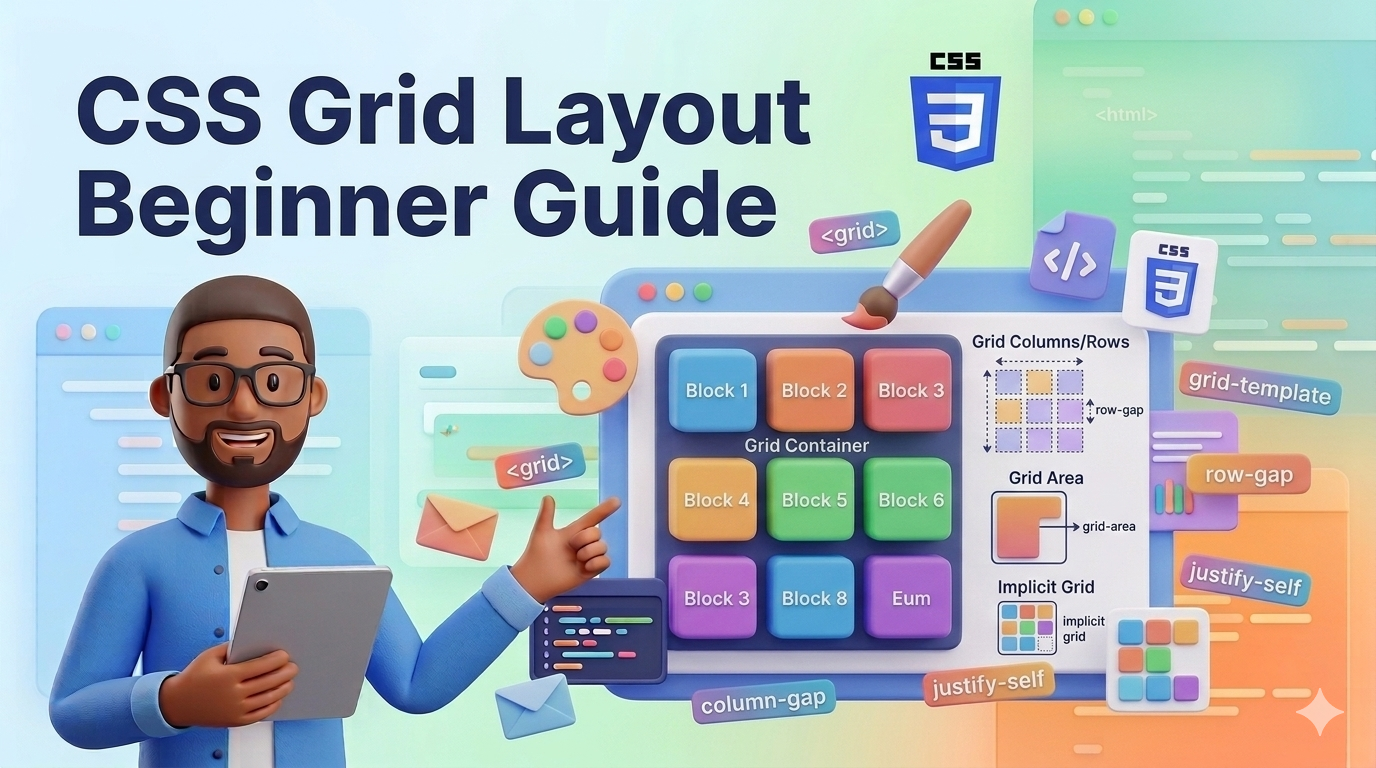
Learn how CSS Grid works with simple explanations and practical examples. This b...
Et quis numquam mollitia et voluptatum et. Rerum consequatur qui consectetur off...
Placeat itaque iure a doloribus aut ipsa. Et et quod molestias ab.
Est et recusandae tenetur. Voluptatem autem labore ipsum qui. Explicabo velit hi...
Leave a Comment